ReactAstroWhisper
MakeSubs
Drop a video and get speaker-aware multilingual subtitles, without opening a desktop editor.
RoleDesign & engineering
Year2025 - ongoing
TypePersonal project
Drop a video and get speaker-aware multilingual subtitles, without opening a desktop editor.
Most subtitle workflows assume you already have a clean audio file and a desktop tool like Subtitle Edit or Aegisub. That is fine if you live in those apps. For everyone else it is too much friction, especially when the source is an MKV rip, a TV capture, or a clip with music bleeding into the dialogue.
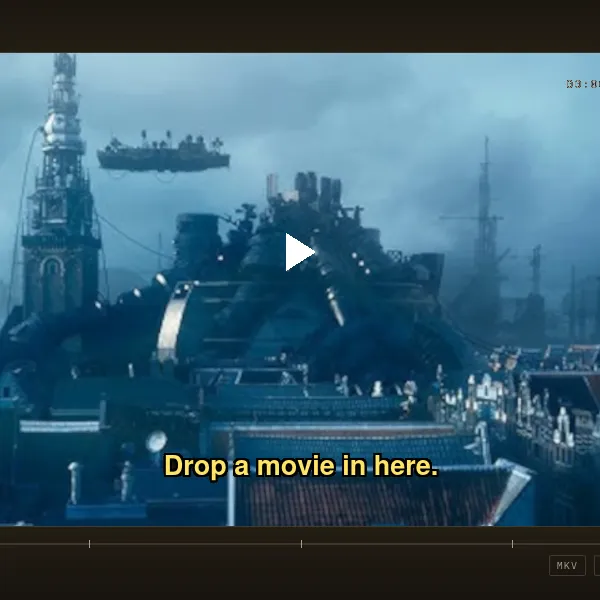
MakeSubs is built for that messier reality. Drop a video in the browser, watch it play back while processing runs, and get timed captions back as standard SRT. When the audio supports it, speakers are labeled too. No desktop editor required.
Whisper is excellent at multilingual speech. It is also happy to hallucinate lyrics, effects, and silence into confident nonsense when music and noise leak into the input. Long files need chunking. Multiple voices need separating. And you still want to see the video while you wait.
Existing tools usually stop at “run ASR on the upload.” That is the easy part. The hard part is everything around it: reading real containers, cleaning the audio, splitting work into GPU-friendly pieces, and returning captions you can actually use.
I wanted a pipeline that starts from the file people already have, not from an idealized WAV exported somewhere else.
The intended flow is deliberately short:
Three things define the product:
The product is still early, but the pipeline is clear: do as much as possible on the client, send only the audio that matters to the server, and run a speech stack tuned for footage instead of clean podcasts.
Browsers cannot assume every upload is a simple MP4 with AAC audio. The prototype focuses on Matroska because that is what shows up in the wild: multiple tracks, AC-3 audio, long runtimes.
On drop, the client streams the file through an EBML parser and builds a map of tracks and audio clusters without uploading the whole video first. You see container metadata, codec details, and progress while the file is read in chunks.
The video track is remuxed for playback with mp4box.js, so you can scrub the source footage while subtitles are generated. Keeping playback client-side avoids storing full video files on the server when only audio is needed for ASR.
Audio is pulled out of the container in the browser, including AC-3 payloads decoded through a WebAssembly build of liba52. The product path sends a normalized audio stream to the backend rather than the raw MKV.
That split matters. Users already have the file. Reading it locally gives instant feedback and keeps privacy-sensitive footage off a server until they explicitly submit audio for processing.
Heavy ML stays on the server. Incoming audio passes through Mel-Band RoFormer vocal separation. TV rips and clips with background music leave music in the stem that Whisper will confidently mishear. Isolating vocals first is what makes captions usable.
Before separation and transcription, Silero VAD finds speech regions and splits on natural pauses. Chunks are merged to a minimum duration so the models always receive enough context, but never more than a safe maximum per pass. That keeps GPU memory predictable on hour-long files.
Each chunk is transcribed with faster-whisper in multilingual mode, with automatic language detection per segment. Timestamps from chunk boundaries are shifted back onto the full timeline so the final SRT is continuous.
pyannote speaker diarization runs on the cleaned vocal stem to identify who spoke when. Those segments are aligned with Whisper output so subtitles can prefix lines with speaker labels. In interviews, dubbing sessions, and multi-character scenes, that is the difference between a useful caption file and an anonymous wall of text.
A light post-processing pass trims silence, merges overlapping cues, and normalizes line breaks before the result returns to the browser.
Browser                         Backend
───────                         ───────
MKV drop
  → probe tracks (EBML)
  → extract + play video (mp4box.js)
  → extract audio        ──────→  voice separation (RoFormer)
                                 VAD chunking (Silero)
                                 diarization (pyannote)
                                 transcribe (Whisper)
                           ←────  SRT + speaker labels
preview / download
The split is intentional. The client owns container parsing and preview. The server owns GPU inference. Video never has to touch the backend unless a later feature genuinely needs it.
Subtitle generation is not a single model problem. The quality ceiling is set long before Whisper runs: by how you split the file, how cleanly you isolate speech, and whether you know there are multiple speakers.
Client-side container parsing is worth the complexity. The hardest early experiments were not the models. They were multi-gigabyte MKV files in the browser, cluster boundaries, and AC-3 decode through WASM without sending the full file upstream.
The remaining work is product glue: a job API, progress streaming back to the UI, and one pipeline that treats separation, diarization, and transcription as parts of the same caption, not separate demos.
Client
Backend